How To Update Your Account’s Email Address
Change the address your account signs in with — and know which of Atarim’s several email settings you actually need.
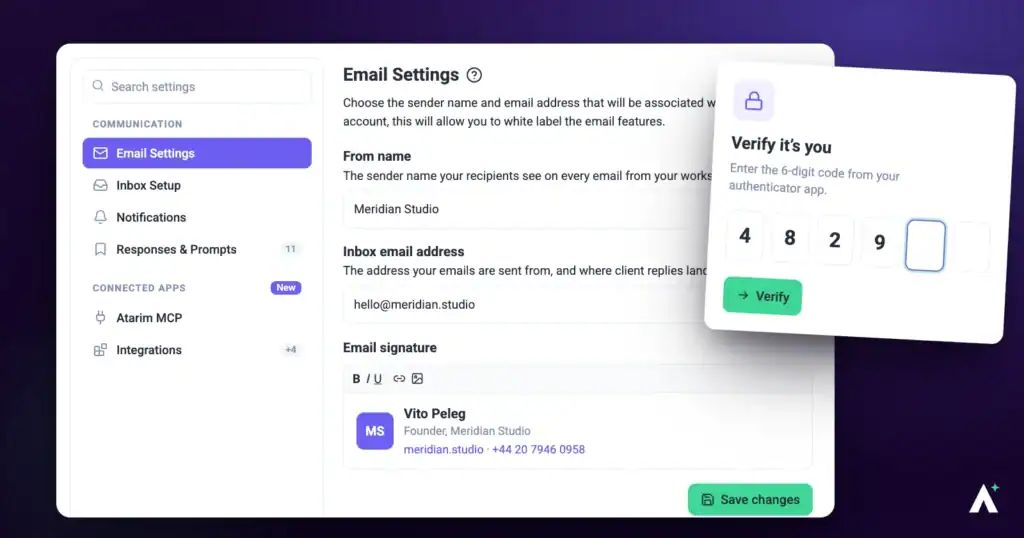
Your account email is the address you sign in with, and where password resets and verification codes are sent. Updating it is quick — the main thing is making sure it’s the setting you actually mean to change, since Atarim has several that mention email and they do different jobs.
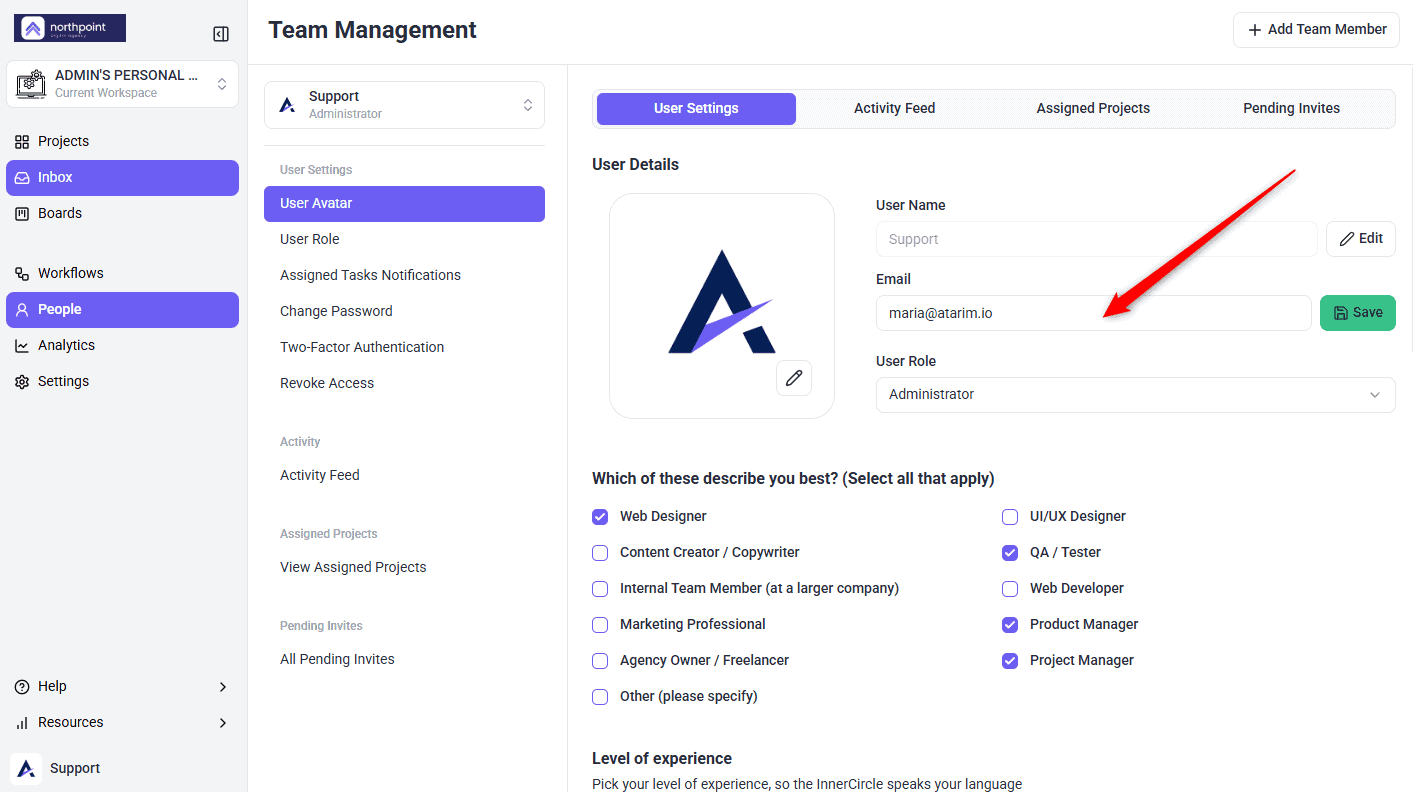
Account details are managed from the People page.
Your account email is the address you sign in with, and where password resets and verification codes are sent. Updating it is quick — the main thing is making sure it’s the setting you actually mean to change.
Which Email Setting Do You Need?
Atarim has several settings that mention email, and they do different jobs. Changing the wrong one is the most common mistake here.
| If you want to change | Go to |
|---|---|
| The address you sign in with | People — this article. |
| The address clients see emails come from | Settings → Email Settings, under Communication. |
| The inbox that receives client replies | Settings → Inbox Setup. |
| Which emails you personally receive | Settings → Notifications. |
| A teammate’s address | People, if your role permits managing them. |
Update Your Account Email
This changes the address you sign in with, not the address clients see your emails come from.
Instructions:
What Changing It Affects
FAQs
Where do I change my account email?
On the People page in your dashboard. Your name can be updated there too.
Does this change the address clients see?
No. That’s your sending address, configured in Settings → Email Settings.
Will I lose my projects or tasks?
No. Everything stays with the account — only the address changes.
Which address do I sign in with afterwards?
The new one. Password resets and verification codes go there too.
What if I entered the wrong address?
Contact support at support@atarim.io. Once resets go to an inbox you can’t reach, self-service won’t help.
Can I change someone else’s address?
From People, if your role permits managing team members. Otherwise ask them to do it themselves.
Do I need to tell my team?
Not for access, but it’s worth mentioning if colleagues have your old address saved for mentions or invitations.
Common issues
- People isn’t in your sidebar — your role may not have access. Ask an Administrator, or contact support.
- You changed it and clients still see the old address — that’s the sending address, set separately in Email Settings.
- You’ve mistyped the new address — contact support. Resets and codes now go somewhere you can’t reach.
- You can’t sign in after changing it — use the new address. If that fails, request a password reset to it.
- Notifications stopped arriving — check the new address, including its spam folder, and confirm your notification settings.
- You need a teammate’s address changed — do it from People if your role permits, or ask them to change their own.
Conclusion
Updating your account email takes a moment on the People page. The care is in getting the address right first time, since it’s where password resets and verification codes are sent.
And remember it’s separate from your sending address — if you’ve rebranded, the address clients see is configured in Email Settings. Discover Managing Your Account Settings
Tips & best practices
- Confirm you can receive mail at the new address before changing it.
- Sign out and back in afterwards to check it works.
- Remember the sending address is a separate setting.
- Tell colleagues if they have your old address saved.
- Keep the address current — it’s how you recover the account.